
Introduction: Today’s corporate world is fast-paced, and information moves quickly and often changes at the same pace. For this reason, document version control is not just a practical technology but also a crucial part of any business’s information policy. Massive data sets can be challenging to handle. If disregarded, it may lead to misunderstandings, unnecessary work, and even security risks. Today, we will learn how to implement a document management system with a step-by-step guide in this blog.
Step-by-Step Guide to Implementing a Document Management System: Here’s a step-by-step guide to help you implement a document management system (DMS) effectively:
- Assess Your Needs: Determine the difficulties associated with documents (e.g., storage, version control, compliance). Establish objectives, such as improved access, less manual labour, security, or adherence to regulations. Determine the problems with the way you now handle documents. Identify the workflows and document types that are involved.
- Build a Project Team: Include stakeholders from IT, legal, operations, and end-user departments. Assign roles: project manager, technical lead, and user training coordinator.
- Choose the Right DMS: Choose the right DMS software that meets your requirements, such as:
- Cloud vs. on-premises
- Scalability and user-friendliness
- Consider features like:
- Document indexing and search
- Version control
- Access permissions
- Integration with existing tools.
- Compare vendors and request demos or trials.
- Plan Implementation: Make a thorough plan with deadlines and completion points. Assign the following positions: end-user trainers, project manager, IT lead, and data migration team. Describe the taxonomy of documents and folder structures.
- Prepare Your Data: Examine current papers (get rid of old files and duplicates). Standardise naming standards and file formats. To cut down on errors, move documents into the new system in batches.
- Configure the System: Configure access controls and user roles. After that, modify approval procedures and workflows. If necessary, integrate with other systems.
- Train Employees: Educate them about document sharing, uploading, and searching. Provide FAQs and fast reference guides. Explain the advantages (time savings, compliance) to overcome objections.
- Monitor and Improve: Track system performance (accuracy of searches, speed, and uptime). Examine compliance and audit trails on a regular basis. Get user input to make improvements over time.
Case studies on what organizations gain after implementing the smart document management software.
Organizations gain significant efficiency, cost savings, productivity, compliance, and security enhancements after implementing smart document management software, as demonstrated by multiple real-world case studies across different industries.
Gains After Implementation:
- 80% Reduction in Document Search Time: AI-powered search allowed staff to find any document or clause in seconds using natural language queries instead of navigating complex folder structures.
- 37% Faster Processes: Eliminate manual searches and streamline workflows.
- 20% Cost Savings: Cut down on unnecessary storage and printing expenses.
- 70% Reduction in Errors: After implementing DMS, there will be a huge reduction in errors in the organization.
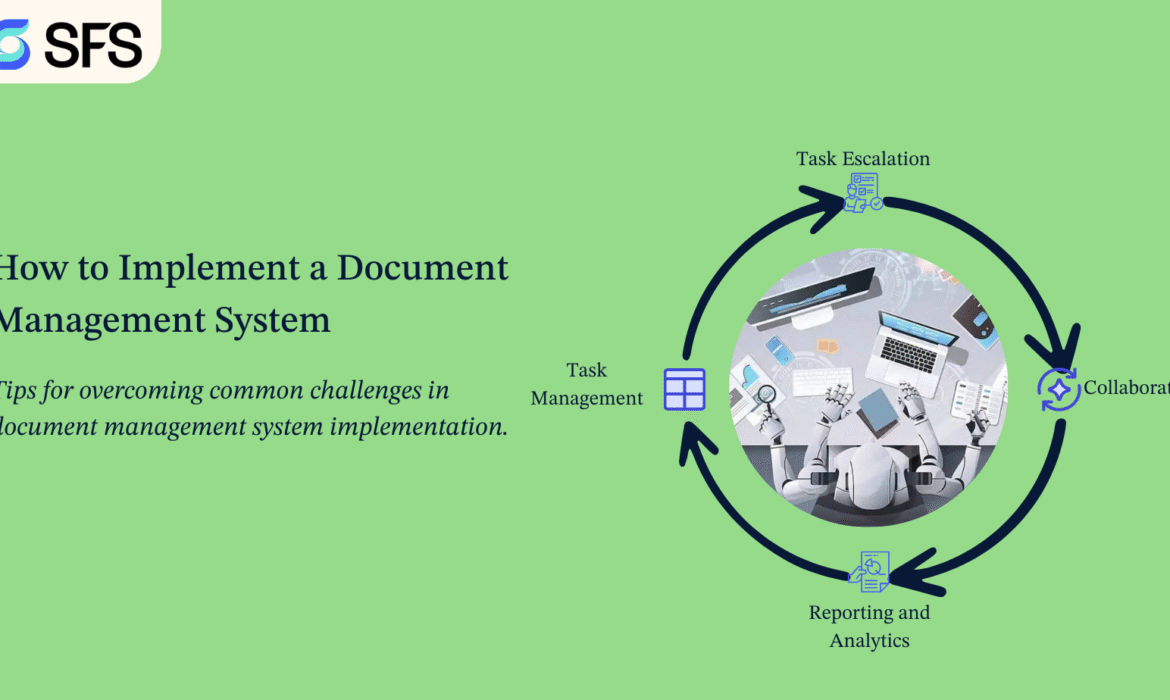
Tips for overcoming common challenges in document management system implementation.
Here are some practical tips for overcoming common challenges in document management system (DMS) implementation:
- Conduct training and awareness sessions early. Highlight how the DMS saves time, reduces manual effort, and makes collaboration easier. Appoint “change champions” to encourage adoption.
- Choose a user-friendly system with simple navigation. Start with a pilot group, gather feedback, and refine processes before rolling out company-wide.
- Clean and categorize documents before migration. Use metadata and consistent naming conventions. Test migration in phases to avoid data loss.
- Select a DMS that supports APIs and integrates smoothly with ERP, CRM, or project management tools. Involve IT teams during planning to avoid compatibility issues.
- Define access controls and user permissions carefully. Ensure the DMS complies with industry regulations (e.g., ISO, GDPR). Regularly audit and update security policies.
- Map out document lifecycles and approval workflows before setup. Automate repetitive tasks like versioning, approvals, and notifications.
- Choose a cloud-based or hybrid DMS that grows with your organization. Plan storage, user licenses, and features for long-term needs.
- Prioritize essential features first. opt for a phased rollout to spread costs. Compare SaaS vs. on-premises to find the most cost-effective option.
- Provide role-based training materials, video tutorials, and FAQs. Offer ongoing support through helpdesks or knowledge bases.
- Assign a dedicated DMS administrator or team responsible for governance, updates, and user support.
Conclusion: Putting in place a document management system involves more than just installing software; it involves changing the way your company manages data. A simplified, safe, and legal document management process can be attained by taking a methodical approach that includes needs analysis, platform selection, information architecture design, data migration, user training, and ongoing improvement. In addition to saving time and lowering physical labour, a well-implemented DMS fosters teamwork and promotes sustained company expansion.
End with a clear next step: Are you ready to upgrade your document management processes and take your business to new heights? Contact Smart Factory Solutions today and learn how we can tailor it to meet your specific needs. Our team is eager to provide personalized recommendations and demonstrate how our solutions can move your business forward. Contact us now and take the first step toward achieving exceptional quality and customer satisfaction.


